Features
Everything you need for a QR code to open your video.
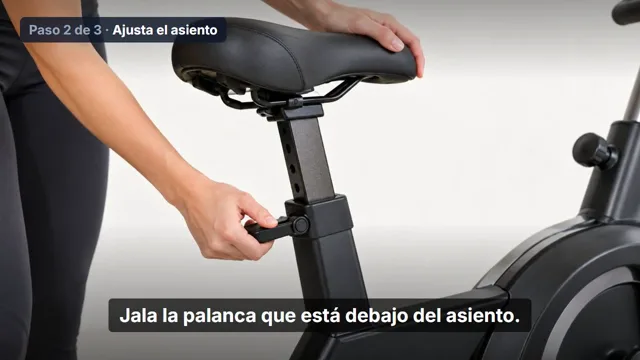
ProductBF-20 exercise bike · Assembly
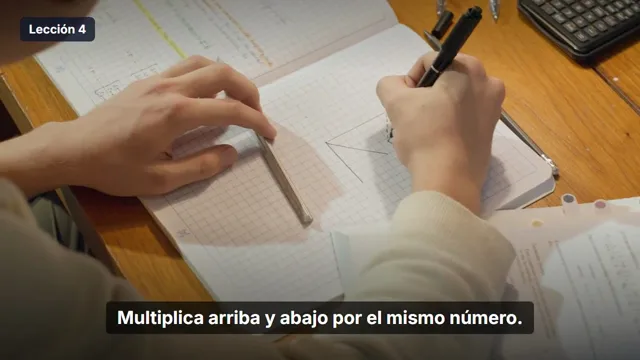
SchoolEquivalent fractions · Lesson 4
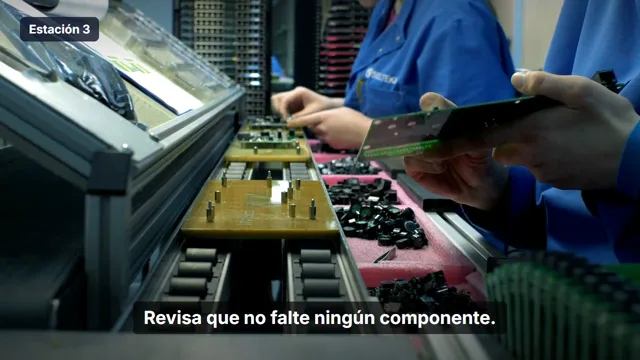
PlantStation 3 · Board inspection
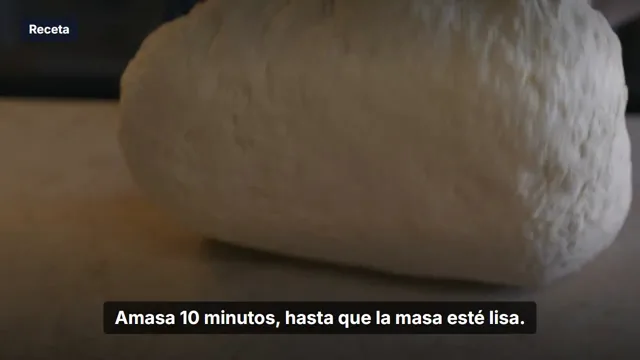
PackagingHomemade bread in 4 steps
Upload
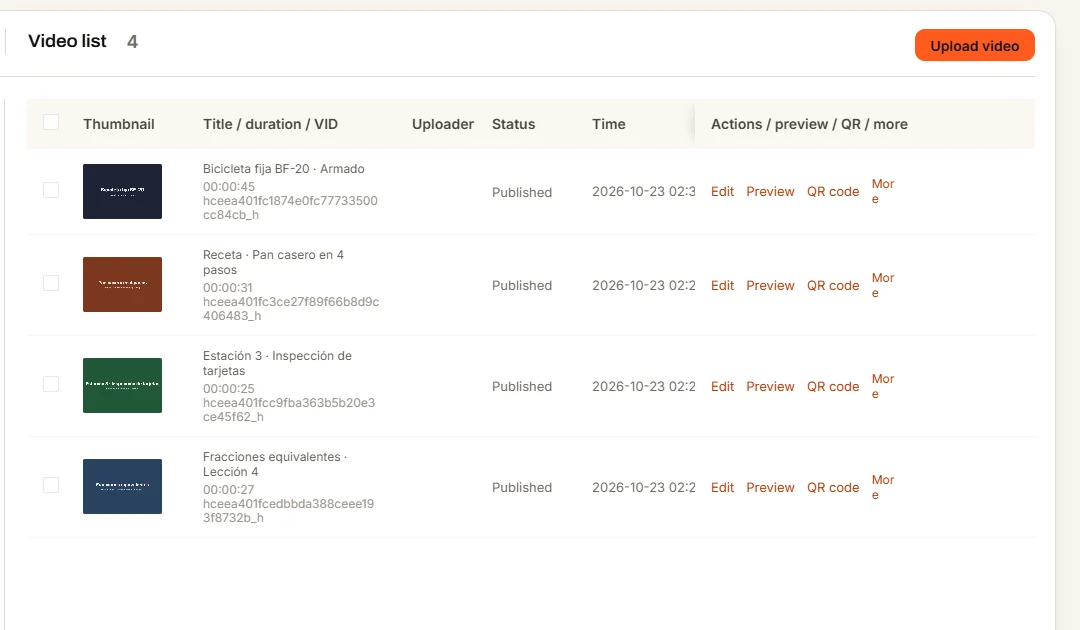
Upload the video you already have.
Drag in the video you already have, up to 2 GB per file. QRveo converts it to look great on any phone, in several quality levels, and creates a thumbnail.
- Upload several videos at once
- Quality from 360p to 1080p
- Automatic thumbnail
QR code
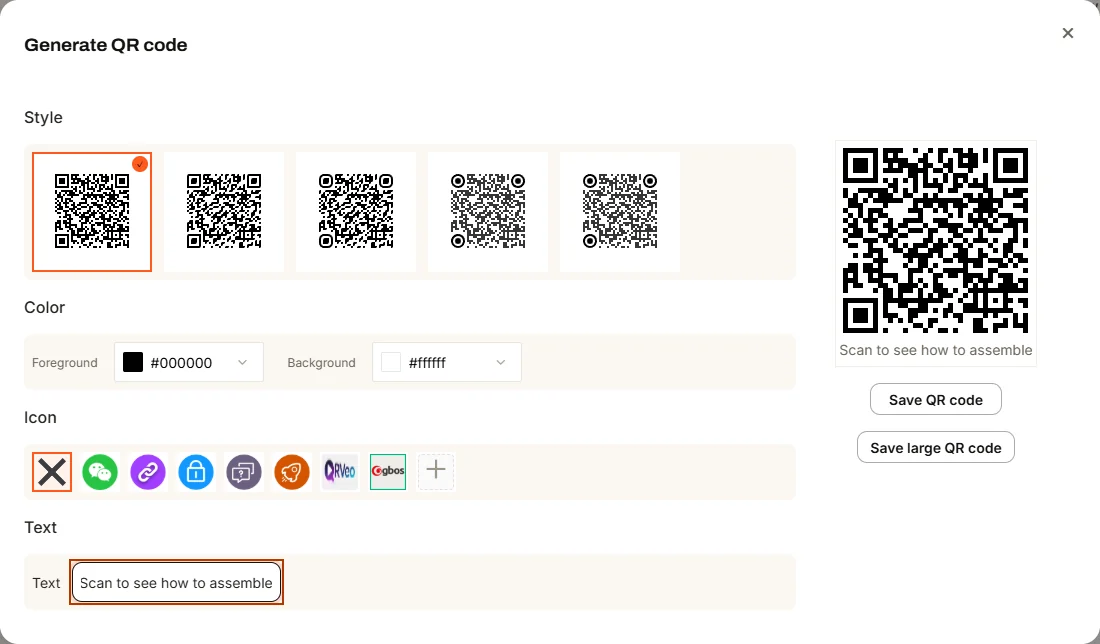
A QR with your style.
Every video has its own code. Choose from several styles, change the colors, put your logo in the center and add text. Download it ready to print.
- 5 code styles
- Your colors and logo
- PNG download, regular or large size
Replace
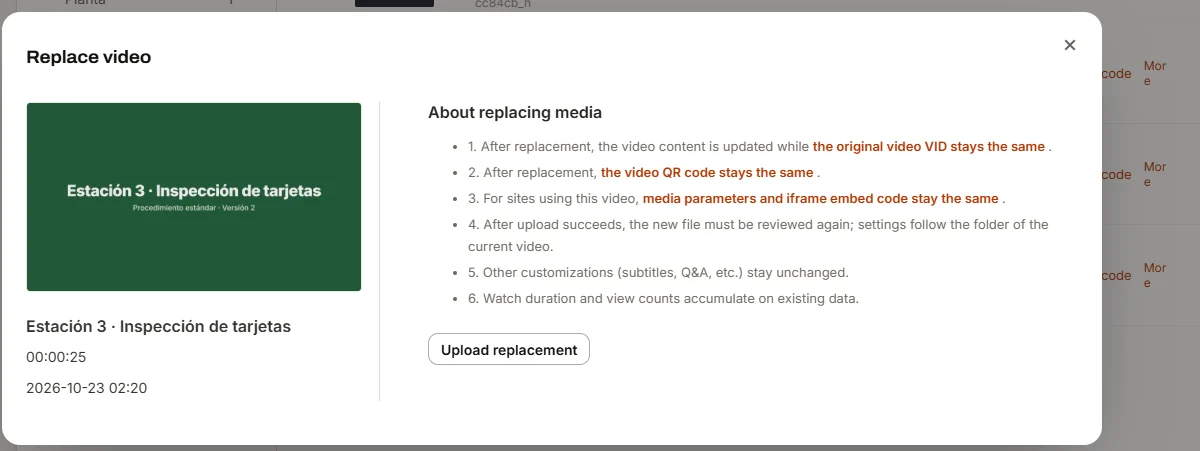
Change the video. The QR doesn't change.
Upload a new version over the same video. The code, the link and the embed code stay the same, and your stats keep adding up.
- No reprinting
- Same link on WhatsApp and social media
- Views don't reset
Video page
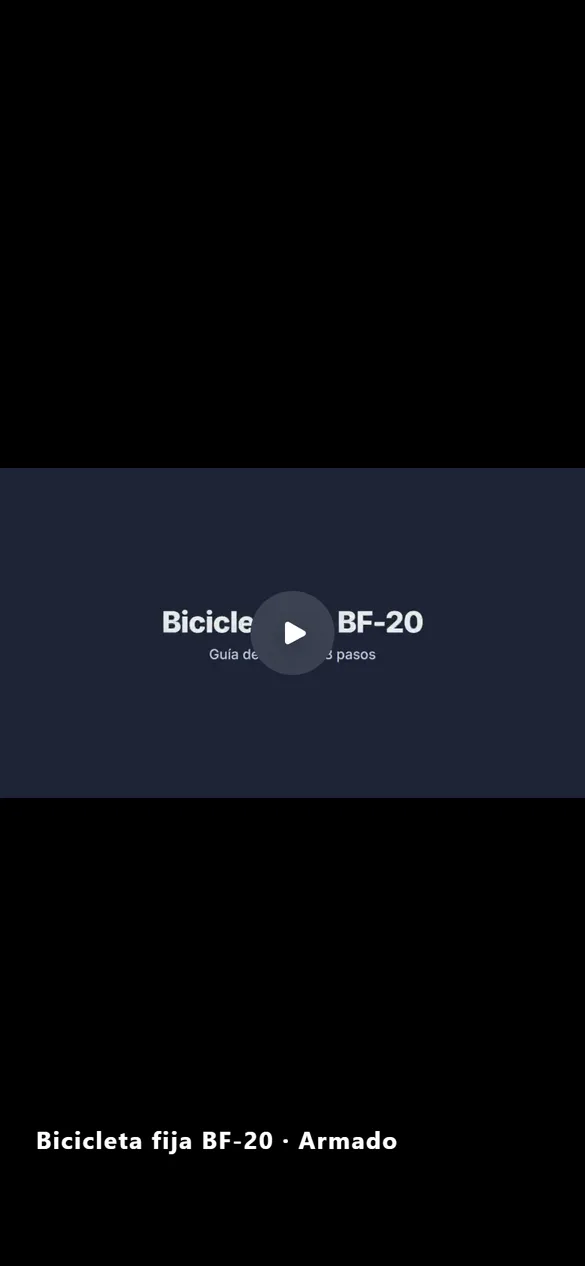
Plays on any phone. No app.
When scanned, a lightweight page opens in the browser with your video and its title. No sign-up, no ads and no other brands' videos at the end.
- Any phone, Android or iPhone
- Full screen
- No ads or suggested videos
Privacy
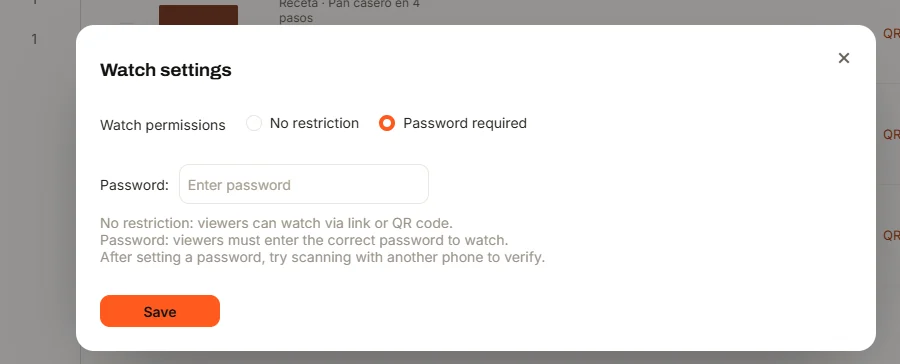
You decide who watches.
Add a password to a video so only your staff or students can watch it. If you embed it on your site, choose which domains it can play on.
- Password per video
- Allowed domains list
And more
- Several videos, one QR
- Group a unit's lessons or a product line's models into a series.
- Stats
- Daily views and your most-watched videos.
- Embed it on your site
- Code to add the player to your store or website.
- Folders
- Organize by product, subject, plant or location.
- Team accounts
- Give your team members access.
- Usage alerts
- We email you at 80% and 95% of your plan.
Make your first QR today.
Create your account, upload a video and scan it yourself. If you get stuck, we'll help you on WhatsApp.